Slack Feature Drop

It's giving summer vibes and serious productivity upgrades.

Feature highlights
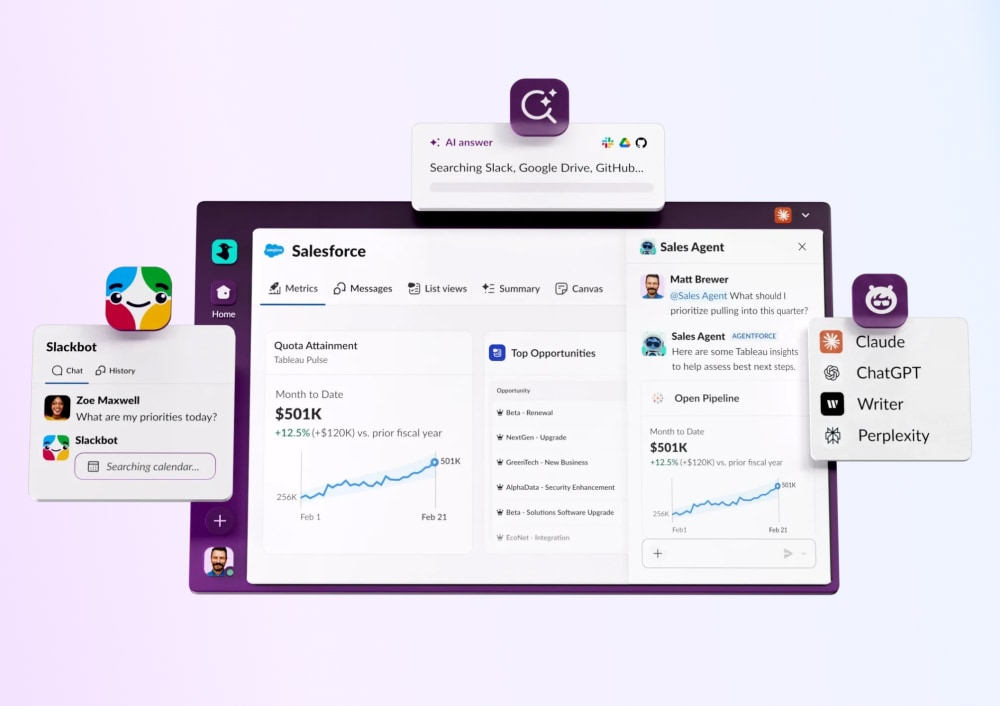
Slackbot
Slackbot
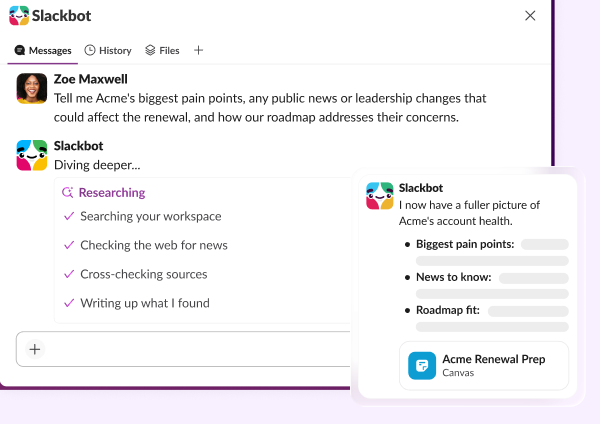
Your personalized, context-aware AI agent for smarter work.
Learn more
Salesforce in Slack
Salesforce in Slack
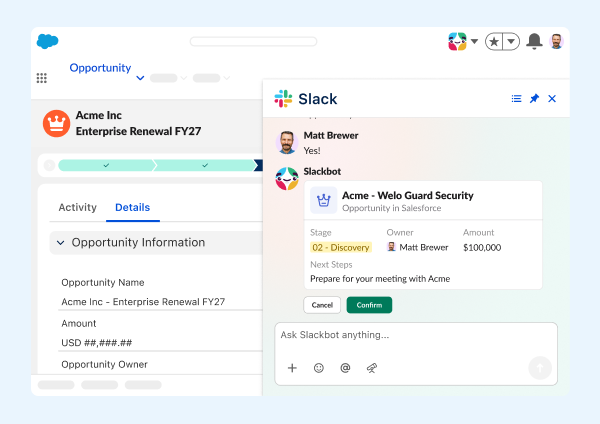
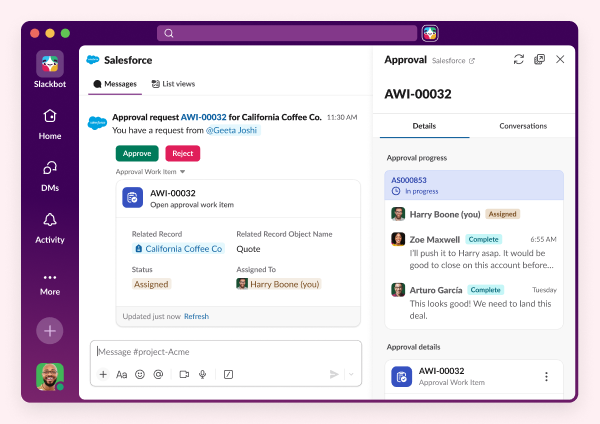
Agentforce powers Salesforce CRM experiences seamlessly in Slack.
Learn more
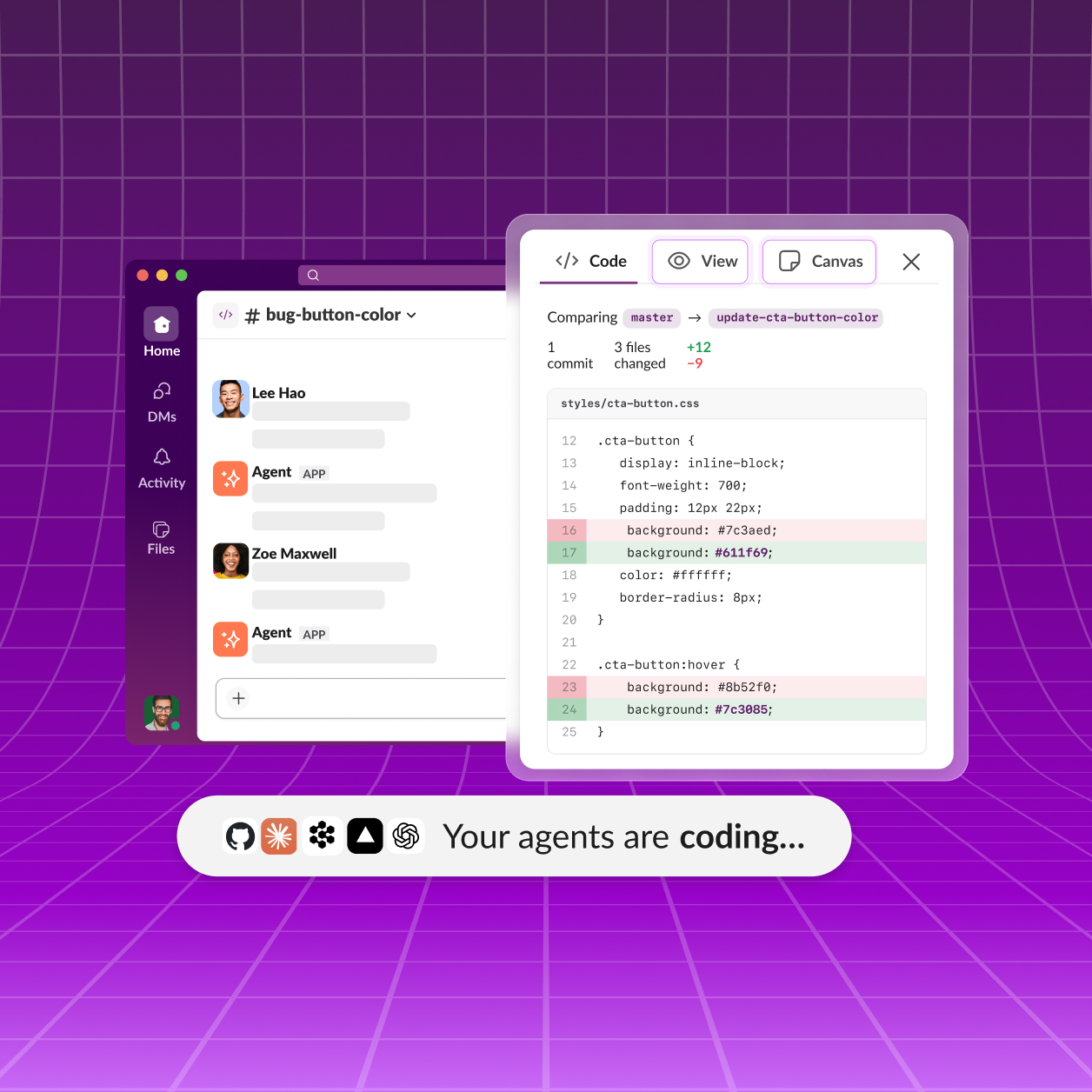
Slack Code
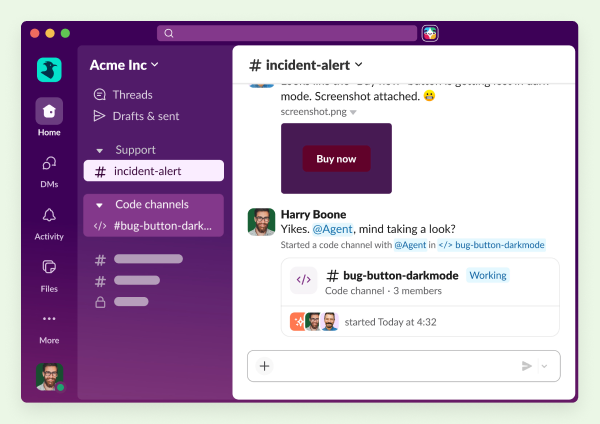
Slack Code brings you, your team, and AI agents together to build in the open.
Learn more
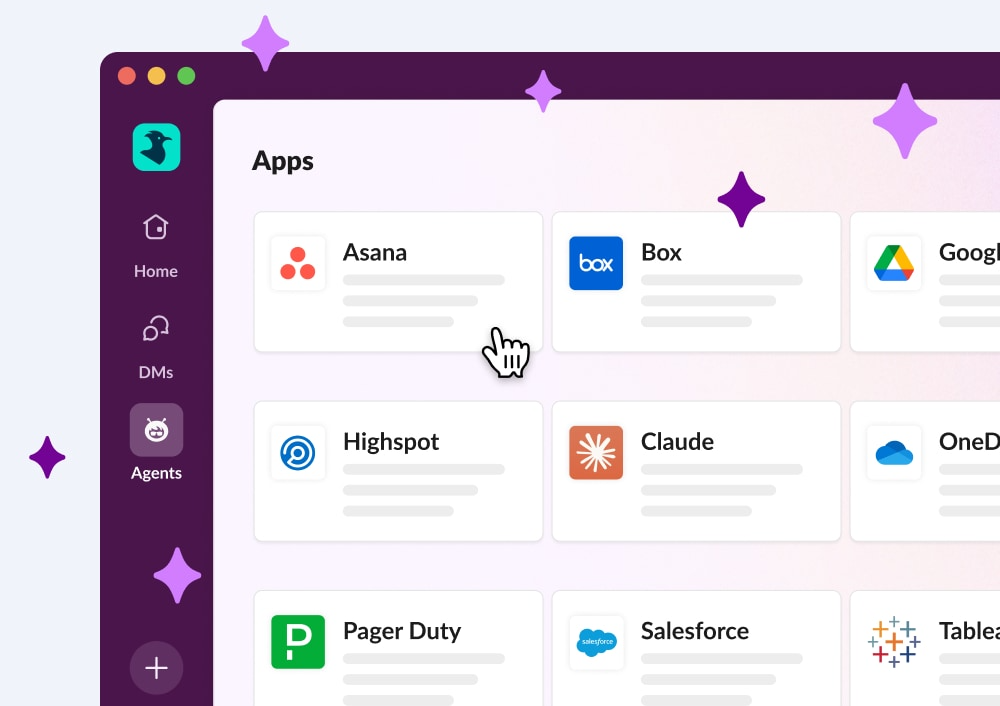
Third party AI Agents
Third Party AI Agents
Innovative AI companies are delivering smart, native Slack apps powered by data.
Learn more
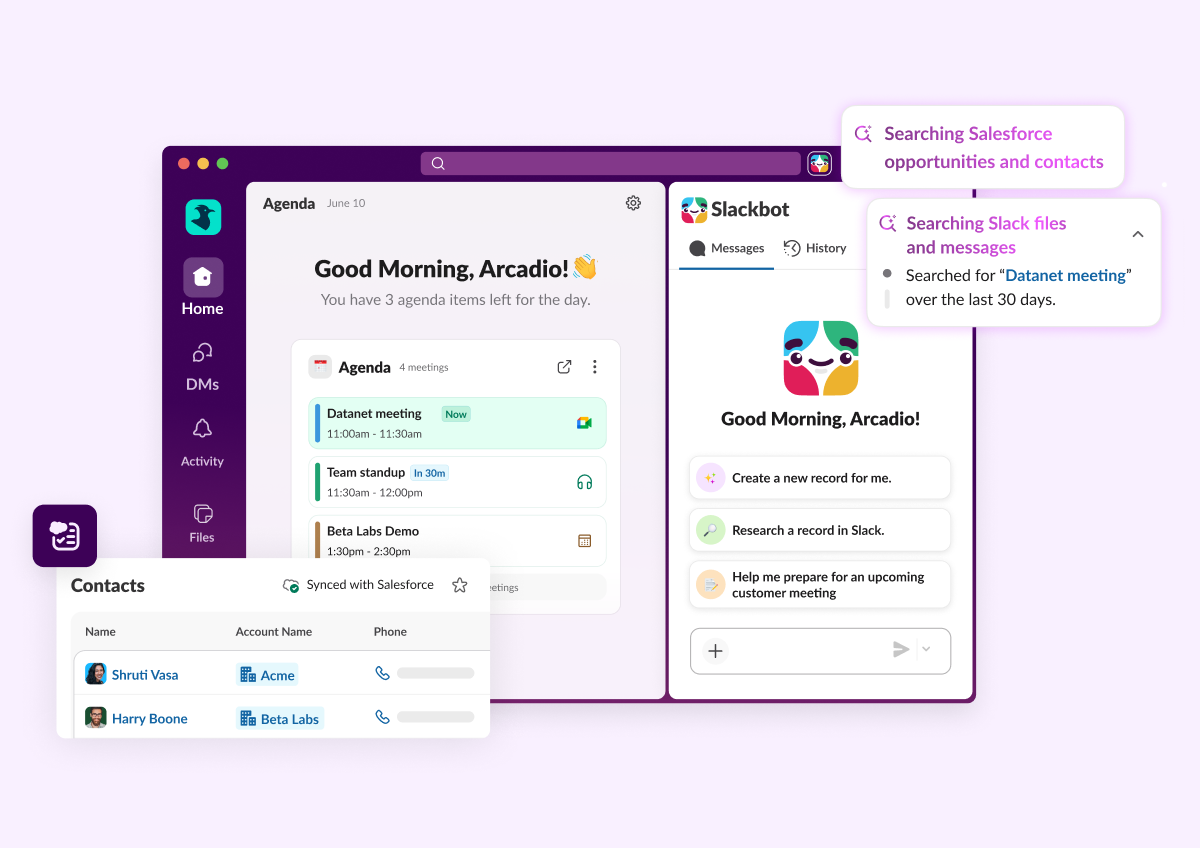
Slack CRM
Manage customers conversationally with Slackbot. Capture contacts, track deal progress, and prep what you need with a prompt.
Learn More
Feature highlights
Slackbot
Slackbot
Your personalized, context-aware AI agent for smarter work.
Learn more
Salesforce in Slack
Salesforce in Slack
Agentforce powers Salesforce CRM experiences seamlessly in Slack.
Learn more
Slack Code
Slack Code brings you, your team, and AI agents together to build in the open.
Learn more
Third party AI Agents
Third Party AI Agents
Innovative AI companies are delivering smart, native Slack apps powered by data.
Learn more
Slack CRM
Manage customers conversationally with Slackbot. Capture contacts, track deal progress, and prep what you need with a prompt.
Learn More

All Updates

SEP 2026
Link Copied!
New Feature

Slack CRM: Generate meeting insights & Salesforce tasks
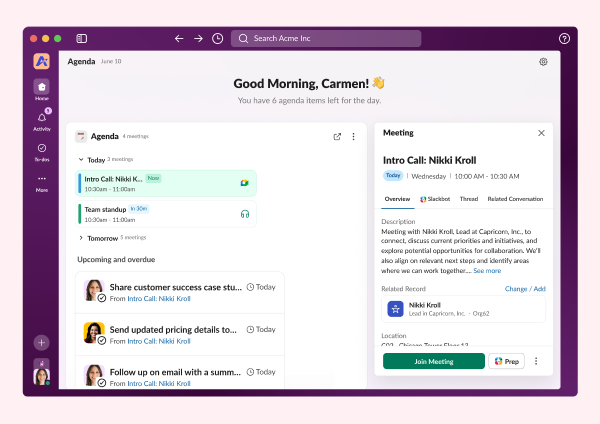
Your CRM meetings now write their own notes, and their own to-do list. Upcoming external meetings surface right on the CRM Agenda and record activity timeline, and Slack auto-generates an AI call summary with action items after the call happens. Those action items convert straight into Salesforce tasks, no manual write-up required. Currently works with Google Calendar.
New Feature

Slackbot in Lightning

Slackbot now lives inside Salesforce Lightning, not just inside Slack. Sales managers and service agents can open a chat panel right next to a record to flag pipeline deals gone quiet or pull shipping status on a delayed order, without ever leaving the page. It's included in Business+ and Enterprise+ plans, and available to everyone else through Flex Credits.
New Feature

Work Object Embeds

Your apps now live inside Slack, fully interactive, not just a preview. Teams can view and work with real content, like documents, dashboards, or contract editors, right inside the conversation, without switching tabs. Every embed is reviewed and sandboxed for trust and security, and admins control access org-wide or by workspace. Gamma, Box, and Amplitude are live now, with more apps on the way.
New Feature

Slack Lists in the Slack MCP Server

AI assistants like Claude can now create, read, update, and delete Slack Lists and records through the MCP Server. This sits right alongside the existing search, messaging, and Canvas tools, so assistants can manage structured work, not just conversations. Lists become another surface your AI can actually operate on.
Feature Enhancement

Gmail Domain-Wide Auth (DWA)

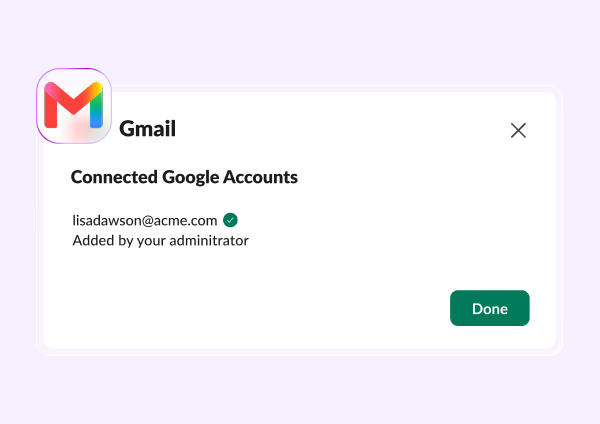
Admins can connect Gmail to Slack org-wide with a single configuration, no more asking every user to connect their own account. It brings Gmail context straight into Enterprise Search, AI Answers, Slackbot, and Workflows, all built on the same shared DWA framework Slack already uses for other connectors. One setup, and the whole org gets the context.
Feature Enhancement

Slack MCP Server: File Upload & List User Channels

The Slack MCP Server just picked up two new tools: file upload and channel lookup. Agents can now post screenshots or charts as proof of work, and resolve a user's channels, DMs, and group DMs on the fly. Small additions, but they make agent output a lot more useful to verify and act on.
Feature Enhancement

HTML file rendering on mobile

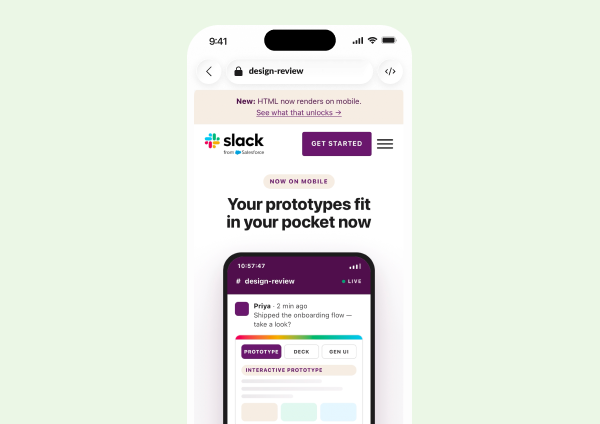
HTML files now render as live, interactive pages right on your phone. Prototypes, dashboards, and agent output open as a sandboxed, fully interactive experience on iOS and Android, matching what you already get on desktop. Review and click through real HTML wherever you're working.
New Feature

Slackbot Analytics

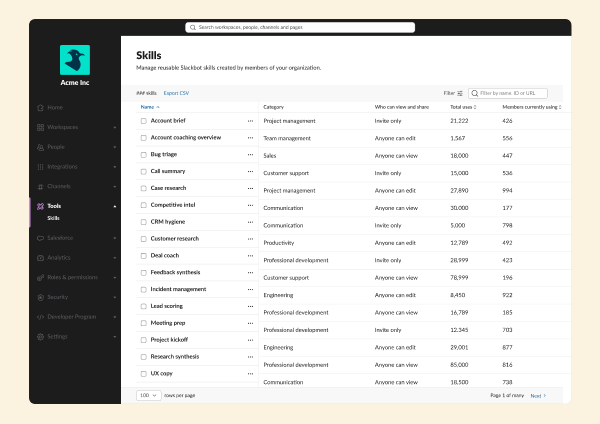
Admins can now ask Slackbot for org-wide usage data instead of digging through dashboards. Member Analytics, launched in August, lets Org Owners, Admins, and Analytics Admins ask about member and usage data in plain language, with more datasets on the way. Alongside it, the Skills Admin Dashboard rolls out to 100% of commercial customers this month, giving every admin the same reporting to audit usage and promote top-performing skills.
AUG 2026
Link Copied!
New Feature

Slack Code

Coding agents can now work with your whole team, not just you. Slack Code brings AI coding out of private tabs and into dedicated code channels, where the conversation, code diffs, and live previews are visible to everyone. Tag in a coding agent from any conversation, and it spins up a channel to build, review, and ship together — the same review process engineers already trust, just open to the whole team.
New Feature

Slackbot Deep Research

Slackbot can now dig deep on open-ended questions, not just quick ones. Ask something open-ended, and Deep Research digs across your org's data and the web, reasoning through what it finds along the way, so you get a real answer instead of a quick one.
New Feature

Salesforce approvals in Slack

Salesforce approvals can now be routed straight into Slack. Powered by Salesforce flow orchestration, approvers see insights from both Slack and Salesforce in one place, right in their flow of work, so decisions happen faster.
New Feature

Slackbot Big Mode

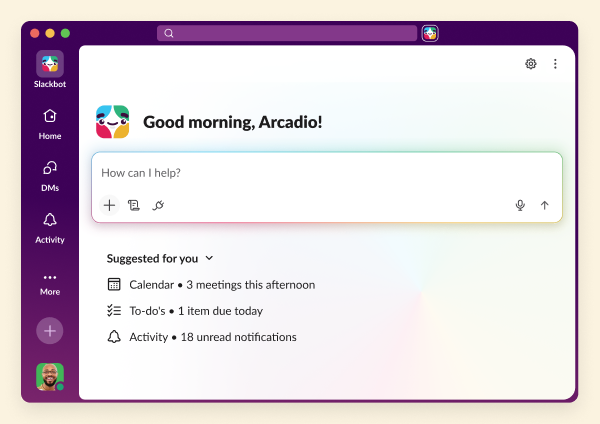
Slackbot just got a full-screen workspace built for deeper work. Big Mode gives Slackbot a full-screen home inside Slack, made for longer research, writing, analysis, and file generation — more room to work without ever leaving the conversation.
New Feature

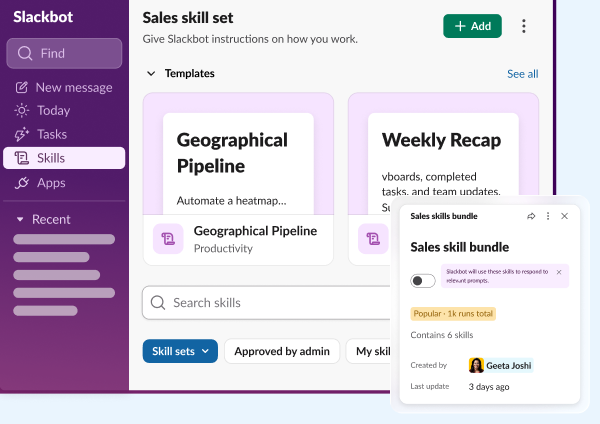
Slackbot Skill Sets

Slackbot skills can now travel together, not one at a time. Skill Sets let you bundle related skills and deploy them as a single package, so your team gets a coordinated set of capabilities instead of piecing them together one by one.
Feature Enhancement

Workflow Builder quality improvements
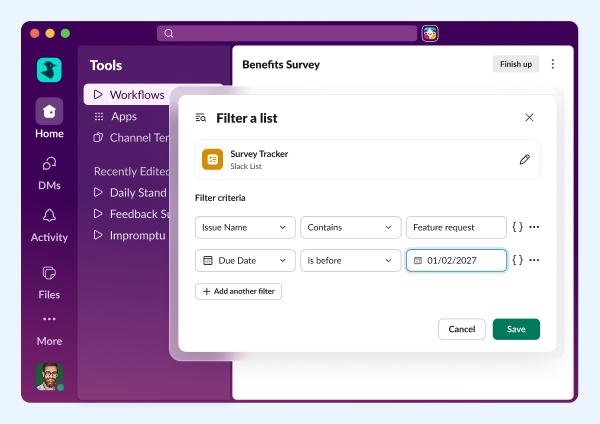
Workflows just got smarter about groups of things. Business users and ops teams can now build object collections of users, channels, or text, filter and select items from a List, and run any step across a whole collection or user group with the new Repeat step. Send one message to a list of channels, or run the same onboarding steps for every new hire in a group — no code required. A new radio button field, private-channel support for Summarize Channels, and shorter delay options round it out, giving you finer control over timing.
Feature Enhancement

Add MCP tools for Slack Lists

AI agents can now read, write, and manage your Slack Lists directly. Agents connected through Slack's MCP Server can search, create, and update Lists — adding records, updating items, and pulling full lists into whatever they're working on. It turns Lists into something your agent can actually use, not just something you build by hand.
Feature Enhancement

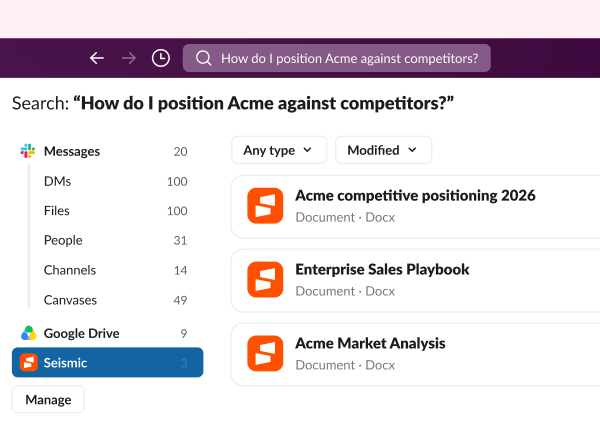
Seismic enterprise search data source

Your Seismic content now shows up right alongside everything else in Slack search. Connect it as an enterprise search source, and it surfaces in Slackbot and search results just like your other tools. One less place to look, one more reason to trust the search bar.
Feature Enhancement

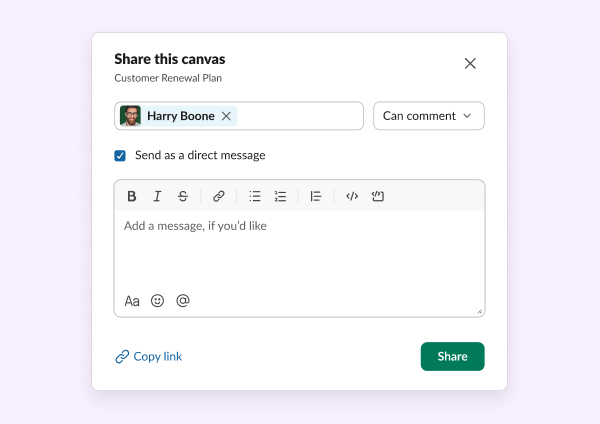
Comment-only role for canvas

vases just got a safer way to share. Canvas owners and editors can now give people comment-only access, so reviewers can weigh in without accidentally editing the doc. Cleaner drafts, easier feedback.
Feature Enhancement

Sales tracker for existing Slack CRM teams
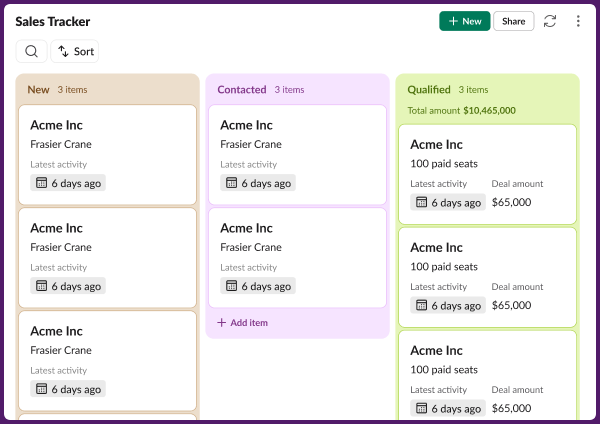
Teams on Slack CRM's older Contacts and Accounts views are getting a visual pipeline. It's a backfill-only rollout, so there's nothing to set up — your pipeline just shows up, making deals easier to track at a glance.

Frequently Asked Questions

Slack regularly releases new features and improvements to help teams work faster and stay connected. This page shows the latest Slack updates, including productivity tools, AI features, integrations, and collaboration enhancements.

Slack typically ships new features and improvements every few weeks. Updates range from small enhancements to major product launches.

You can find the most recent Slack updates on this page under "All Updates." Older updates are available further down in the release timeline.

Most Slack updates are rolled out automatically to all customers. Some features may appear gradually depending on your plan, region, or admin settings.

Slack releases updates across messaging, automation, AI features, security, integrations, and workflow tools. Each update is designed to improve productivity and team communication.

Each release includes a summary and a link to learn more about that feature. You can click into any update to explore how it works and how to use it.

Yes. Slack releases features across different plans. Some advanced capabilities may only be available on paid plans, while many updates improve the experience for all users.

Slack updates highlight what's new at a high level. Release notes are typically more technical and detailed, while this page focuses on what's new and why it matters.

In most cases, yes. Once a feature is released to your workspace, you can start using it immediately. Some features may require admin permission.

You can bookmark this page to check the latest updates, or follow Slack announcements through email and in-product notifications.